card maker
Discord level up card maker
A level-up card is the image Akiko posts when a member reaches a new level. It can carry their avatar, the level they just reached and a bar showing progress toward the next one. It is posted in the channel you choose for level-ups, or in the channel where they were chatting if you have not set one.
Pick a layout below and change it however you like. A level-up card has its own design, separate from the rank card, so a server can keep a calm rank card and make level-ups louder, or the other way round. Nothing here is saved, so experiment freely.

This is a preview. The drag-and-drop editor needs a bigger screen, so open this page on a computer to change the layout itself.
Nothing here is saved. To use a design, add Akiko to your server, then log in to the dashboard and recreate it there, or pick it from the presets.
What you can change
- A headline that fits the moment
- Write any text you like, from a plain LEVEL UP to a line that names the member and their new level, using the same tokens as a rank card.
- Layout
- Move the avatar, headline and progress bar anywhere, add panels and dividers from rectangles, circles and lines, and resize the card from 320 to 2000 pixels wide.
- Colors and gradients
- Solid or gradient backgrounds, gradient text and gradient progress bars. The matching rank card designs share a palette, so the two feel like one set.
- The message that goes with it
- The card is the image. The text posted alongside it is a separate setting you write yourself with /leveling config level_up_message.
Tokens on a level-up card: {user} {username} {handle} {level} {rank} {xp} {xp_required} {xp_total}. Akiko replaces each one with the right value for every member.
Level up card designs
Five starting points drawn by the renderer Akiko uses in Discord. Open any of them in the editor above and make it your own.
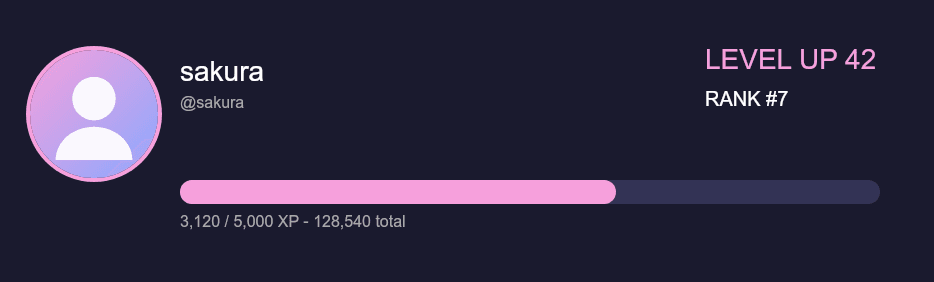
Default
The default level-up card. It shares the rank card layout and swaps the level label for LEVEL UP, so it reads as a celebration without extra setup.
Open in the editor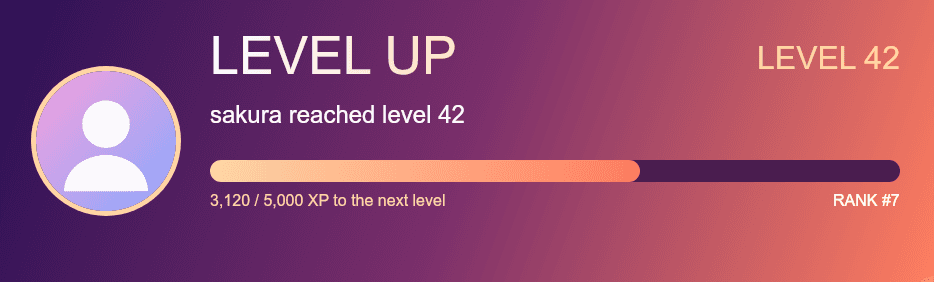
Sunset
A large LEVEL UP headline over a dusk gradient, with a line saying who reached which level and a bar showing progress toward the next one.
Open in the editor
Neon
A fully centered layout: avatar, headline, one line of text and a slim gradient bar. The least cluttered of the level-up designs.
Open in the editor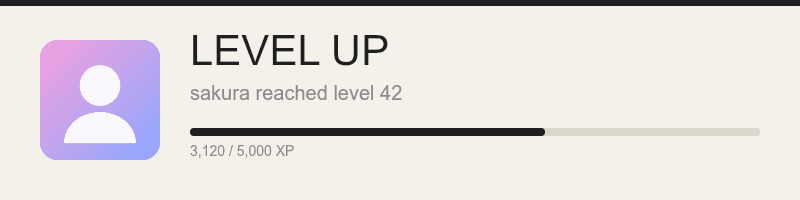
Minimal
A quiet, light card for servers that prefer a restrained level-up message. Small canvas, dark text, one accent line.
Open in the editor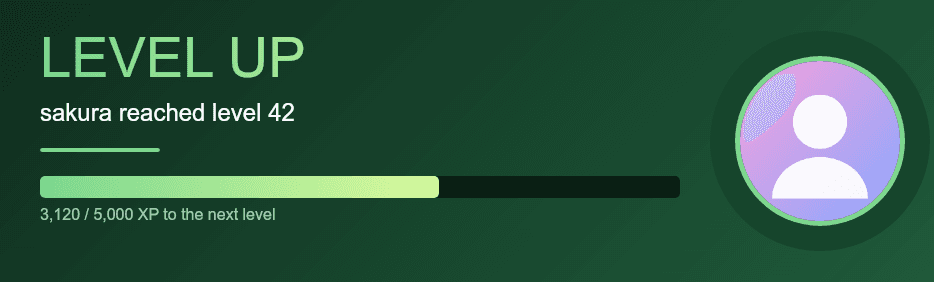
Forest
The avatar sits on the right over a soft disc while the headline, the message and the progress bar take the left side. A green divider ties it together.
Open in the editor
How it gets into Discord
- 1
Turn leveling on
Add Akiko and run /leveling enable. Level-up cards appear when members cross a level, which is worked out from XP as explained in the leveling guide.
- 2
Choose where level-ups are posted
Set a channel with /leveling config level_up_channel. If you leave it unset, the card is posted in the channel where the member leveled up.
- 3
Design the card
In the dashboard open Leveling, then Level-up card. It is the same editor as this page, with a save button and a preview that matches Discord.
Questions
Does the level-up card have to match the rank card?
No. They are two separate designs. Many servers keep them related so a member’s level-up looks like part of the same set.
Where is the level-up card posted?
In the level-up channel if you set one with /leveling config level_up_channel, otherwise in the channel where the member was chatting.
Can leveling up give a reward?
Yes, separately from the card. You can give a role, coins or a custom announcement at any level with /leveling rewards set. The leveling guide explains how rewards stack.
Is it free?
Yes. Level-up cards, rank cards and the editor are free.
Related
Design the card members check any time with the rank card maker, or greet new members with the welcome card maker. For the whole system, read about Akiko’s leveling bot.